Do not route every failure to “try again” or “access denied.” Distinguish capture quality, false non-match, presentation-attack alert, duplicate identity, expired eligibility, device or network failure, and physical passage error. Give each category a limited retry, an accountable owner, an evidence-based assisted route and a measurable resolution outcome.
A biometric failure is not always a biometric error
When a user sees one red screen, the underlying cause may occur anywhere from the sensor to the door controller. A poor classification frustrates genuine users, teaches operators to override security and corrupts performance reporting. The user message can remain simple, while internal records preserve the actual stage and reason.
| Exception | What it means | First response | Escalation |
|---|---|---|---|
| Failure to acquire | No sample of sufficient quality was captured | Give specific guidance on pose, distance, finger, hand, light or sensor condition | Try an approved modality or assisted capture |
| False non-match | A genuine enrolled person is not matched at the threshold | Fresh guided capture within a limited retry policy | Verify identity with independent evidence and consider re-enrollment |
| PAD or liveness alert | Capture appears suspicious or inconclusive | Do not disclose attack-sensitive detail; request a controlled fresh transaction | Security review using another trusted channel |
| Duplicate or ambiguous identity | Enrollment or search returns conflicting candidates | Stop automatic binding or authorization | Trained adjudication with stronger identity evidence |
| Policy denial | Identity may be correct, but current permission is not | Show a useful category such as expired visit, shift, document or zone | Route to the business owner—not biometric re-enrollment |
| Device or service unavailable | Sensor, controller, network or central service cannot complete the transaction | Use defined degraded mode and status communication | Technical recovery or continuity credential |
| Passage exception | Identity was approved but barrier, anti-passback or occupancy state failed | Keep the identity decision separate from the physical event | Guard or control-room resolution with passage evidence |
False rejection is a user outcome, not one universal metric
A user can be rejected because no usable sample was acquired, the matcher returned a non-match, liveness was inconclusive, the reference was missing, or policy denied authorization. Report each stage separately. Otherwise a dirty fingerprint sensor may be mistaken for algorithm weakness, and an expired contractor assignment may be counted as a biometric false reject.
A good retry changes something
Repeatedly submitting the same poor sample increases queue time without increasing confidence. Each retry should respond to the detected condition: clean or dry the finger, use a different enrolled finger, remove glare, move into the capture zone, adjust face pose, uncover the iris, present the palm at the required distance, or wait for a fresh liveness challenge.
Capture the stage, reason, device, modality and transaction context.
Give plain, actionable instructions without exposing security-sensitive logic.
Allow a defined number of attempts and apply rate or time controls.
Use another enrolled modality, credential or supervised evidence route.
An authorized role grants, denies, re-enrolls or routes the business exception.
Record resolution and improve device, enrollment, policy or staffing.
Rate limits protect security and human attention
Unlimited attempts invite attack and create operator fatigue. Set limits according to modality, location and risk. Explain remaining attempts and the next safe step. NIST’s digital identity guidance recommends clear, meaningful feedback and readily available alternatives for biometric difficulties; its exact requirements apply to its digital-authentication scope, but the usability principle transfers well to physical and workforce systems.
Re-enrollment should have a cause
Re-enroll after confirmed identity when the reference is poor, the person’s biometric characteristic or appearance has materially changed, the selected finger is persistently unsuitable, the algorithm or template format requires migration, or the original binding is questionable. Do not let a help-desk operator replace a trusted reference merely because someone knows an employee number.
Use another modality according to an existing policy
A worker with damaged fingerprints might use face or iris; a masked user may use fingerprint; a person whose face capture remains inconclusive may present an approved document to a trained receptionist. Our multimodal biometrics guide explains AND, OR, step-up and fallback policies. The alternative must be enrolled or authorized before pressure builds at the gate whenever possible.
Assisted verification is a security control—not a favor
The desk, guard, supervisor or mobile officer resolving an exception may become the most powerful identity component in the system. Give that role the evidence, authority and interface needed to make a bounded decision. Social engineering becomes easier when queues grow and the operator receives only a generic error.
- Claimed identity and trusted reference source
- Current visit, assignment, shift, zone or permit context
- Exception category and attempt history
- Approved alternate evidence and policy
- Relevant risk alerts without unnecessary biometric detail
- Operator identity, role and workstation or device
- Evidence reviewed and verification method
- Grant, denial, re-enrollment or referral result
- Scope, validity and expiry of any temporary credential
- Reason, notes and second approval when required
Separate identity exceptions from business-policy exceptions
Reception can confirm that a visitor is the invited person but cannot invent host approval. A security desk can verify a contractor’s identity but should not renew an expired safety certificate. HR can correct an attendance assignment but should not dismiss a liveness alert. Route the case to the owner of the failed decision.
Temporary access must be narrow
A temporary card or mobile credential should identify the approving person, reason, site, zone, start, expiry and whether escort is required. It should not silently become a permanent workaround for poor enrollment. Reconcile temporary passage with the correct identity record so live site counts, attendance and audit remain accurate.
Do not expose attack logic through error messages
A genuine user needs useful guidance, but a suspected attacker should not receive a tutorial on which spoof signal failed. Display neutral instructions such as “Use a live capture and try again” or route to assistance. Give trained security staff a controlled reason category and investigation data.
Design for variation without lowering dignity or assurance
Damaged or worn fingerprints, limb difference, reduced mobility, visual or cognitive disability, facial difference, eye surgery, PPE and religious or cultural considerations can affect interaction. Some conditions are permanent; others are temporary. A person should not have to fail publicly several times before the system reveals that an alternative exists.
Make the alternative visible before failure
Offer “Use another approved method” or “Request assistance” at the beginning where policy permits. Use readable text, sufficient contrast, clear audio or visual prompts, reachable controls, adequate time and more than one communication channel. W3C accessible-authentication guidance emphasizes alternatives and mechanisms that reduce cognitive burden in digital login; physical biometric journeys deserve the same deliberate accessibility thinking.
Test with the people who will use it
A pilot made only of project staff misses the conditions present in a real workforce, public reception or industrial site. Include different heights, ages, skin tones, physical capabilities, languages, PPE, fingerprint quality, eyewear and experience levels. Measure completion and assistance by group while applying privacy safeguards to the evaluation.
Avoid discriminatory escalation
Step-up and manual review rules should follow documented risk signals, not subjective operator suspicion. Review whether one demographic, job type, contractor company or disability group experiences more retries, denials or longer resolutions. Investigate sensor position, enrollment quality, environment, policy and model performance rather than blaming the user.
Design exception routes for each operating context
Visitor reception
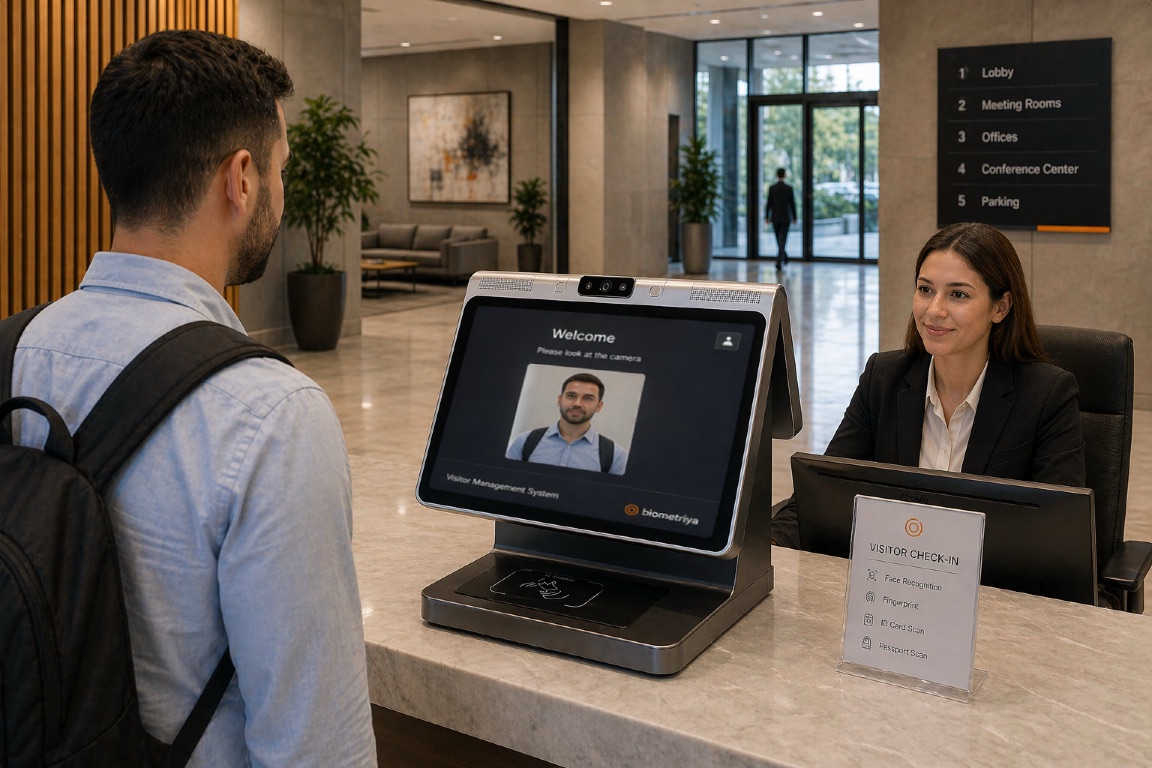
Biometriya Visitor Management System can connect invitation, QR, document, face, host approval and check-in. If face verification fails, reception should determine whether the problem is capture, enrollment, document mismatch, appointment or host policy, then use only the approved route.
Workforce and contractor gates
A worker may be recognized correctly and still be denied because assignment, induction, medical, licence, shift or zone has expired. Keep identity and compliance results separate. A contractor administrator resolves readiness; security resolves passage; the biometric team resolves persistent acquisition or match performance.
Remote and mobile operations
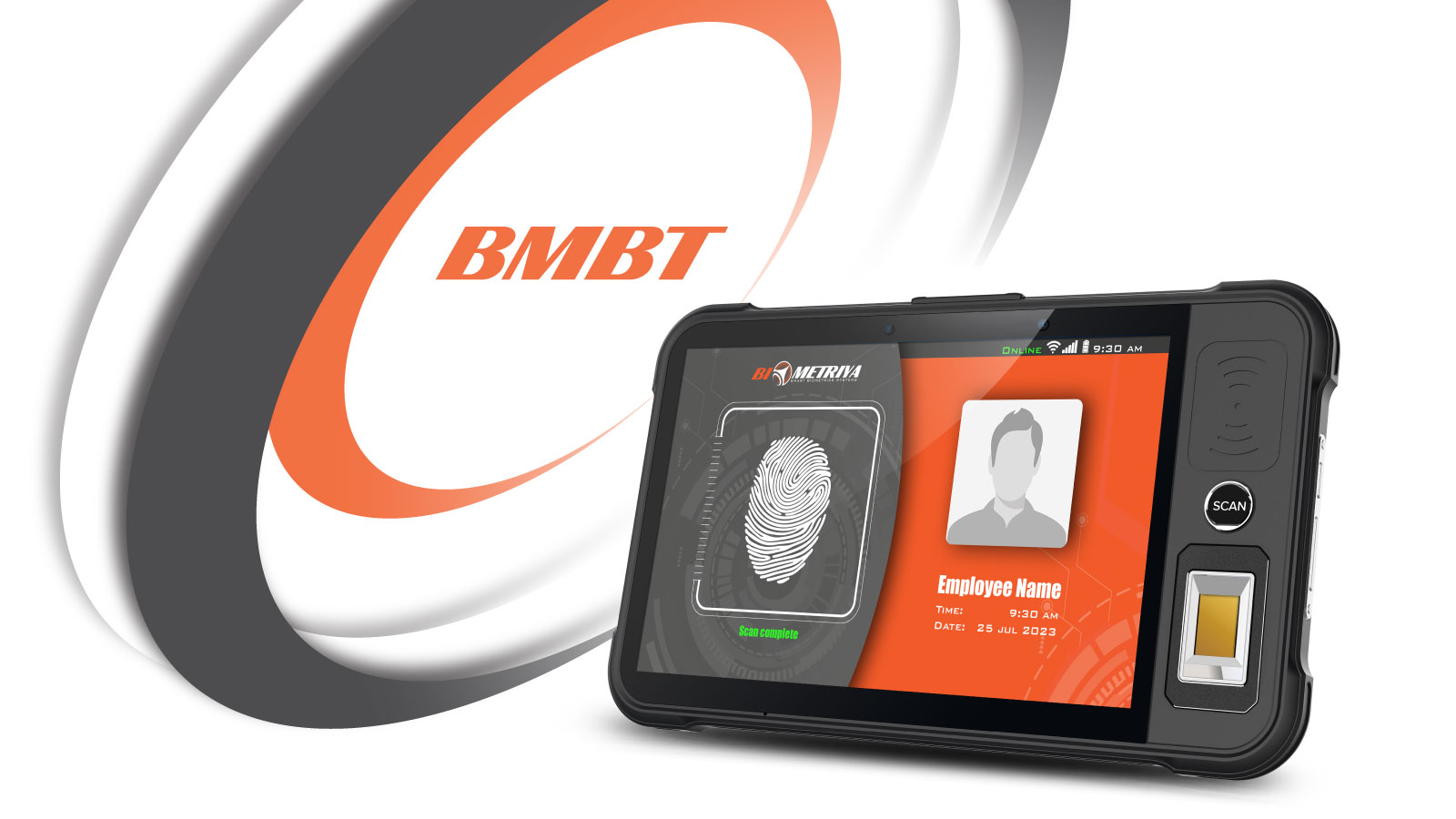
BMBT 2 can support assisted verification outside a fixed desk. Offline decisions need cached policy, clear data age, protected local records, accountable operator login, limited authority and later synchronization. “No network” should be a defined state rather than a reason to write names on paper indefinitely.
High-throughput access
Move exception cases away from the primary lane before the queue compounds. Preserve the failed transaction ID so the assisted desk does not start from nothing. In our high-throughput access guide, throughput is a property of the complete lane—including exceptions—not only recognition speed.
Make exception data improve the system
- Acquisition: failure-to-acquire rate by modality, device, site, environment and reason.
- Comparison: false non-match indicators, retries to success and persistent failure after confirmed identity.
- PAD: bona fide presentations flagged, suspected attacks, inconclusive results and resolution.
- Policy: denial by expired visit, assignment, training, shift, zone, anti-passback or other rule.
- Service: assisted cases, wait time, resolution time, abandonment, queue impact and staffing load.
- Override: temporary credentials, approvers, duration, repeat use and unresolved follow-up.
- Fairness: outcome differences across representative user groups and accessibility needs.
- Technology: offline time, sensor faults, synchronization failures, software versions and configuration drift.
Review repeat exceptions, not only daily totals
A user who fails every Monday at one outdoor gate reveals more than an overall 99% success rate. Look for recurrence by person, device, shift, camera angle, cleaning schedule, weather, PPE and enrollment station. Protect the analysis from becoming excessive employee monitoring: use it to improve service and security under a defined purpose.
Biometric exception-management checklist
- Can the system distinguish acquisition, match, PAD, identity, policy, service and passage failures?
- Does every retry provide actionable guidance and stop after a defined limit?
- Is the alternative available, accessible, secure and communicated before repeated failure?
- Does the assisted operator have enough evidence without excessive biometric access?
- Are responsibility and escalation separated between security, HR, reception, compliance and IT?
- Are temporary grants scoped, approved, expired and reconciled to the correct identity?
- Is re-enrollment protected by strong identity verification and audit?
- Can an outage mode operate safely without hiding stale data or lost events?
- Are outcomes measured by reason, site, device, group and resolution?
- Do repeat exceptions trigger improvement rather than permanent workaround?
An exception is not evidence that biometrics have failed as a strategy. It is evidence that real people and real sites vary. Designing that variation into the system protects security, keeps operations moving and treats genuine users with dignity.
Frequently asked questions
What is a biometric false rejection?
It is an outcome in which a genuine enrolled person is not accepted. Determine whether the cause was acquisition, comparison, liveness, missing reference or another stage before applying a remedy.
How many biometric retries should be allowed?
There is no universal number. Set a limited policy based on threat, modality and queue, give different guidance on each attempt, and offer an approved alternative before frustration encourages bypass.
What should happen when fingerprints are damaged?
Use another enrolled finger if available, improve capture, offer an approved alternative modality or conduct assisted verification. Persistent change may justify controlled re-enrollment after identity confirmation.
Should a guard override a failed biometric match?
Only through a documented assisted process within the guard’s authority, using independent evidence and a scoped, auditable result. The operator should not simply convert every failure into access.
How can biometric exceptions be made accessible?
Offer visible alternatives, clear multimodal prompts, reachable controls, sufficient time and trained assistance. Test with people representing actual accessibility needs and monitor outcomes for disproportionate failure.
Independent guidance and resources
- NIST SP 800-63B-4: Customer experience considerations — biometric usability, intermittent events, assistance, feedback and alternative authentication methods.
- NIST SP 800-63B-4: Threats and security considerations — biometric replication, false matches, recovery and social-engineering risks.
- UK ICO: Biometrics for worker time and access control — proportionality, alternatives and avoiding detriment.
- W3C WCAG 2.2: Accessible Authentication — alternative and assisted digital authentication principles.
- NIST Biometric Quality — quality assessment connected to expected matching performance.