Face liveness asks whether capture appears to come from a living person rather than a presentation artifact. It does not by itself establish who the person is, whether the camera feed is authentic, whether the identity is authorized, or whether only that person passed the door. Treat it as one security signal inside a complete transaction.
One face transaction contains several different decisions
A screen that says “face verified” can conceal multiple operations. Separating them makes requirements, testing and failure handling clearer. A secure deployment may need all five; a visitor pre-enrollment journey and a high-throughput access gate will apply them differently.
| Decision | Question | What failure means |
|---|---|---|
| Detection and capture | Is a usable face present in the expected capture area? | No face, multiple faces, poor pose, blur, occlusion or unsuitable illumination |
| Quality | Is the sample suitable for the intended comparison and security checks? | The transaction may need guidance, recapture or an assisted route |
| Matching | Does the sample correspond to the claimed or searched identity? | No reliable identity association at the configured threshold |
| PAD or liveness | Does the capture show evidence of a bona fide presentation rather than an attack? | A suspected photo, replay, mask, artifact, inconclusive sample or unsupported condition |
| Authorization | May the resolved identity perform this action here and now? | Identity may be genuine but the visit, credential, shift, zone or policy is not valid |
A liveness pass is therefore not an identity match, and a match is not an access grant. The final decision can also depend on an approved visitor appointment, active worker assignment, time schedule, anti-passback state, controlled zone, escort rule or current safety restriction.
“Liveness” is useful language, but PAD is the broader discipline
NIST defines presentation attack detection, or PAD, as the automated determination of a presentation attack. Its glossary describes liveness detection as a subset concerned with anatomical characteristics or voluntary and involuntary reactions that indicate a living person is present at capture. This distinction matters because an effective PAD method may examine texture, depth, reflectance, motion, sensor signals or presentation consistency without literally proving biological life.
PAD is also not a universal “fake face detector.” Performance depends on the attack instruments included in evaluation, such as printed photographs, displays, cut-outs, rigid or flexible masks, makeup or other artifacts; the capture device; lighting; distance; image or video input; and the configured decision threshold.
Start with the attack path, not a marketing label
| Attempt | Where it enters | What PAD may contribute | Additional control |
|---|---|---|---|
| Printed photograph | Presented to a physical camera | Texture, reflectance, depth, motion or challenge inconsistency | Representative testing on the deployed camera and distance |
| Phone or tablet replay | Presented to a physical camera | Display artifacts, moiré, glare, borders, depth or temporal cues | Test varied displays, brightness, video quality and ambient light |
| Mask or 3D artifact | Presented to a physical camera | Material, geometry, thermal, reflectance or natural-motion differences | Sensor capability and testing against relevant mask types |
| Appearance manipulation | On the person at the sensor | May detect particular artifacts but is not a general intent detector | Quality checks, operator review and security policy |
| Virtual camera or injected media | Inserted inside the device or software path | Presentation-only PAD may never see the physical attack | Trusted capture, application integrity, attestation and protected channels |
| Valid person, invalid permission | After identity resolution | None—the person can be live and correctly matched | Current access, visitor, workforce or permit policy |
| Tailgating | At the physical passage | None if the second person does not interact with capture | Turnstile, speed gate, occupancy sensor, guard or video event |
Active and passive checks solve different usability problems
Active liveness asks the user to respond
The user may be instructed to turn their head, blink, smile, follow a moving point, read digits or change position. A fresh challenge can make a simple static photograph less useful and provides a clear interaction for supervised processes. It can also slow a queue, create accessibility barriers, confuse occasional visitors and still be imitated if the challenge and response channel are weak or predictable.
Passive PAD evaluates capture without a visible challenge
Passive methods assess one image or a short sequence in the background. They can reduce friction for access gates and mobile onboarding, but their accuracy is conditional on the sensor, environment and attacks included in development and testing. The absence of a visible challenge should never be interpreted as the absence of a security decision.
Sensor-assisted methods add independent observations
Depth, infrared illumination, stereo capture or other dedicated sensing can provide information that ordinary two-dimensional color imagery does not. They may strengthen detection of particular attack classes, but they introduce their own distance, environment, calibration and device constraints. No sensor label removes the need for representative evaluation.
Hybrid designs can step up only when needed
A workflow can begin passively, request an active challenge when confidence is inconclusive, and then route persistent uncertainty to assisted verification. This keeps the common journey fast while preserving a controlled path for poor lighting, eyewear, disability, changing appearance or sensor difficulty. The step-up policy should be documented and tested rather than improvised by an operator.
One liveness percentage is not enough
Ask which attacks were tested, how genuine users performed, which devices and software versions were used, and at what threshold. PAD evaluations commonly distinguish attack presentations incorrectly accepted from bona fide presentations incorrectly classified as attacks. NIST’s Face Analysis Technology Evaluation shows substantial variation between algorithms and attack types; a result from one dataset cannot be transferred automatically to every camera, population and site.
Track security and usability together. A configuration that rejects every difficult genuine user may look strict but create long queues, unsafe bypasses and operator fatigue. A permissive setting may feel smooth while admitting the attack instruments relevant to the deployment.
Presentation attacks and injection attacks are not the same
A presentation attack places an artifact or altered characteristic in front of the biometric capture device. An injection attack substitutes or modifies data inside the digital capture path—for example through a virtual camera, tampered mobile application, emulator, compromised endpoint, prerecorded stream or generated media inserted after the genuine sensor.
If PAD receives an already-injected video that looks internally consistent, a method designed only to inspect physical presentation may not know the camera was bypassed. Remote browser enrollment, mobile identity capture and unattended kiosks therefore need protection beyond visual liveness.
- Use the intended sensor and restrict virtual or substituted sources where possible
- Protect application integrity and detect rooted, jailbroken or emulated environments according to risk
- Authenticate supported capture devices when the platform allows it
- Protect the sensor-to-verifier channel against substitution and replay
- Bind the capture to a fresh session and intended transaction
- Keep PAD, match and policy results distinguishable in logs
- Apply rate limits and controlled retry rules
- Prevent an old success from authorizing a new transaction
- Route technical failure separately from suspected attack
- Protect templates, images, events and administrative changes
NIST’s current digital identity guidance explicitly addresses both presentation attack detection and injection attack protection. Its requirements are designed for federal digital identity systems, not a universal rulebook for every physical access installation, but the architectural lesson is valuable: secure the point of capture and the path carrying the biometric sample, not only the classification model.
Apply liveness according to the operating environment
Dedicated access terminals
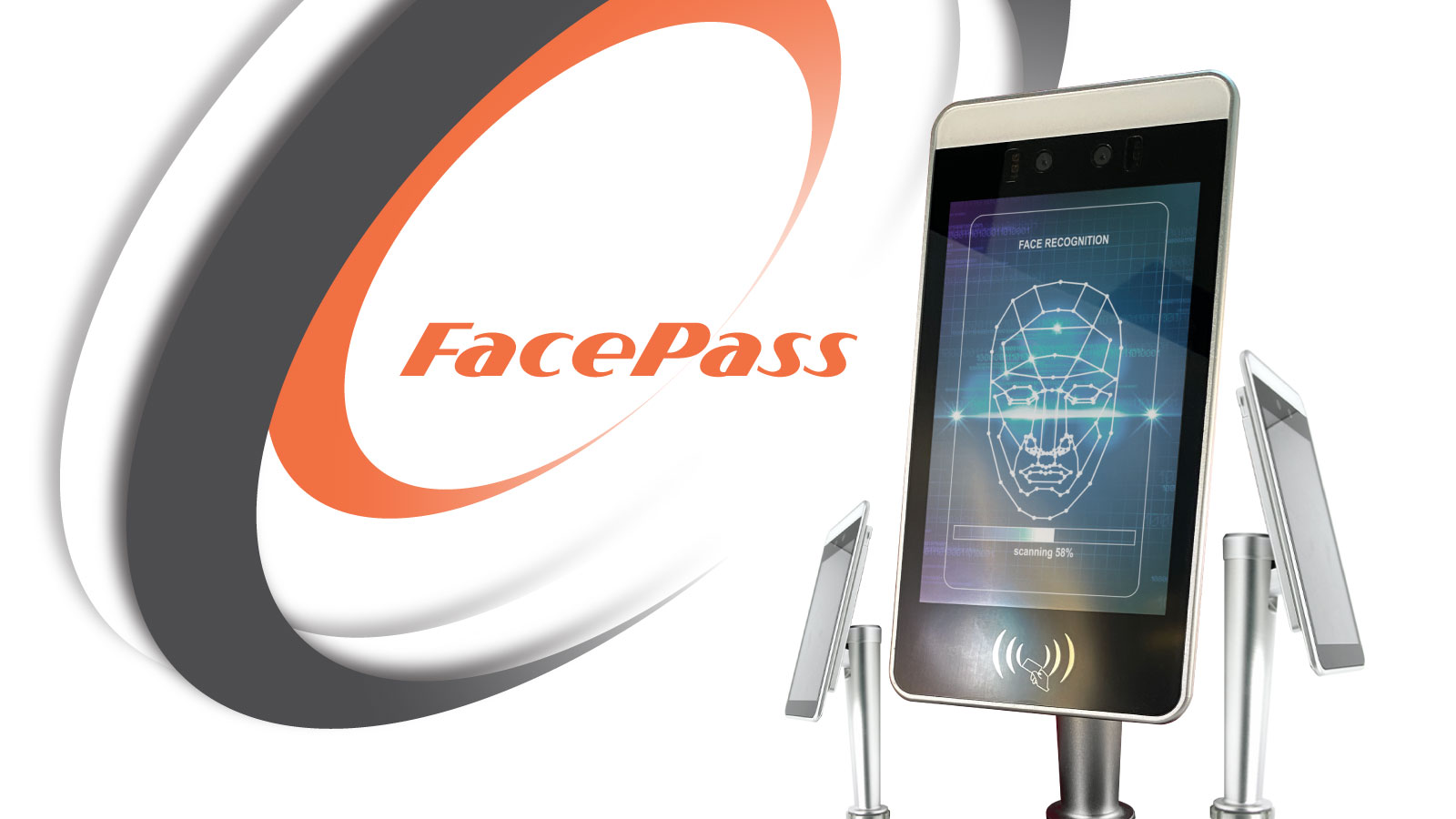
A cooperative user stands at a known device, distance and passage. Biometriya FacePass supports touchless face-based access at controlled entrances. The implementation still needs an enrollment standard, suitable installation height and lighting, decision timing, door-controller integration, fallback, tailgating control and monitoring.
Visitor pre-enrollment and reception
A visitor may capture a face through a browser before arrival and present a QR code or face at reception. Biometriya Visitor Management System can connect invitation, identity evidence, enrollment, host approval and arrival. Remote capture risk differs from a supervised kiosk, so the organization should decide when liveness is required, when an ID document must be compared, and when reception confirms the person.
Mobile and tablet workflows
Mobile capture varies by camera, operating system, connection and user behavior. A rugged managed device such as BMBT 2 can offer a more controlled field environment than an unknown personal phone, but it still needs device management, offline policy, operator accountability and synchronization controls.
Video surveillance and watchlist analytics
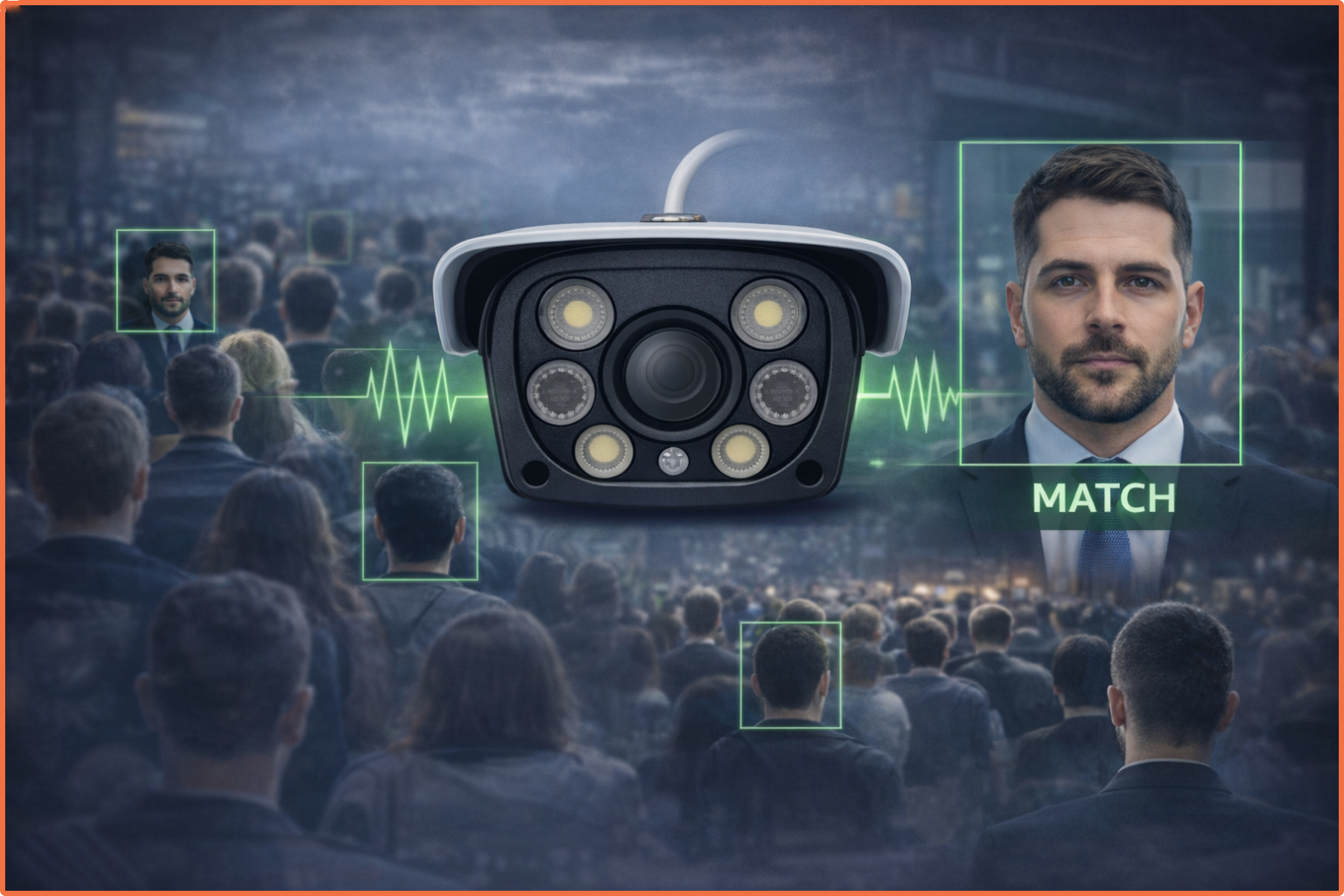
Sentinel AI operates across live or recorded video where people may be distant, moving and unaware of the camera. This is not the same transaction as a person deliberately presenting to an access reader. Treat face quality, watchlist matching, human review and alert policy according to that surveillance context; do not simply transfer an access-terminal “liveness” claim to every CCTV face.
Test the complete workflow in the conditions where it will operate
Identify attack paths, attacker access, target transactions, consequences and acceptable residual risk.
Include relevant print, replay, mask and injection attempts instead of one convenient demonstration.
Use actual cameras, mounting, distance, lighting, network, demographics, PPE and peak traffic.
Record attacks accepted as genuine and genuine users rejected or unable to complete capture.
Test retry, assisted verification, accessibility, outages, suspected attacks and unavailable services.
Re-evaluate after model, firmware, device, camera, environment or policy updates.
Build a safe exception route
A suspected presentation attack, low-quality capture and false non-match are not the same event. Operators should see a useful reason category without receiving sensitive attack details that make bypass easier. Genuine users need a documented alternative such as supervised document review, another enrolled modality, a security desk decision or temporary credential with approval and expiry.
Measure the whole operation
- Attack performance: results by presentation instrument, device, environment and software version.
- Bona fide performance: first-attempt success, retry distribution, failure to acquire and assisted-verification rate.
- Identity performance: false non-match and false match observations at the deployed threshold.
- Queue performance: transaction time, peak throughput, abandonment and manual-review delay.
- Channel integrity: blocked virtual sources, replay attempts, tamper events, unsupported devices and stale sessions.
- Fairness and accessibility: outcomes across representative users, PPE, mobility, vision and interaction needs.
- Physical outcome: door release, passage, anti-passback and tailgating events—not only the face decision.
A practical face liveness procurement checklist
- Which presentation attack instruments and injection paths are in the threat model?
- Is the method active, passive, sensor-assisted or hybrid, and what does the user experience?
- Which camera, firmware, app, operating system and model versions were evaluated?
- How are attack and bona fide error rates reported at the proposed operating threshold?
- How is the capture device authenticated and protected from virtual-camera or replay substitution?
- Are liveness, match, eligibility and authorization recorded as separate decisions?
- What happens during low quality, inconclusive PAD, network loss or service outage?
- What accessible, auditable alternative exists for a genuine person who cannot complete the check?
- Which biometric images, templates and diagnostic data are retained, where, why and for how long?
- What change triggers re-testing, and who owns monitoring and incident response?
Good face liveness design is deliberately modest about what it proves. It can make presentation attacks harder and provide a valuable risk signal. Trust emerges only when that signal is combined with genuine capture, accurate matching, current authorization, protected devices and channels, controlled physical passage and humane exception handling.
Frequently asked questions
Are face liveness detection and presentation attack detection the same?
They are often used interchangeably in product language. More precisely, liveness is a subset of the broader PAD discipline, which detects attempts to interfere with biometric capture using presentation artifacts or altered characteristics.
Does liveness detection stop deepfakes?
It may detect some generated or replayed content presented to a camera, depending on the method and testing. A deepfake injected through a virtual camera or compromised application requires capture-path, endpoint and replay protections as well.
Is passive liveness better than active liveness?
Neither is universally better. Passive methods can reduce friction; active challenges can add a fresh user response. The choice depends on threat, environment, accessibility, throughput, device and tested performance. Hybrid step-up designs are often useful.
Can a successful liveness result grant access?
Not by itself. The system must still match or resolve identity and evaluate current policy. Physical access should also control the passage so that a second person cannot follow the approved user.
How often should PAD be re-tested?
Re-test when the model, threshold, camera, firmware, application, capture flow, operating environment or relevant attack methods change, and monitor genuine-user and security outcomes continuously.
Independent standards and resources
- NIST CSRC: Presentation Attack Detection — definitions distinguishing PAD and liveness detection.
- NIST FATE PAD evaluation — independent evaluation of passive software-based face PAD algorithms and presentation attack types.
- NISTIR 8491: Face Analysis Technology Evaluation—PAD — test design, metrics and results across algorithms and attack instruments.
- NIST SP 800-63B-4: Authentication and authenticator management — biometric PAD, injection protection, rate limits and alternative authenticator considerations in digital identity.
- ISO/IEC 30107-1:2023 — framework and terminology for biometric presentation attack detection.